Mobile · Self-custody · Fintech
Klever Wallet
Mobile self-custody, assets, transactions and hardware security.
View Wallet case ↓klever.io ↗Klever Ecosystem
As part of a three-person Product Design team, I contributed to a connected ecosystem spanning mobile wallets, hardware integration, browser experiences, DeFi concepts and cross-chain products.
Ecosystem product index
Four connected product stories across self-custody, decentralized finance, cross-chain exchange and browser-based Web3.
Mobile · Self-custody · Fintech
Mobile self-custody, assets, transactions and hardware security.
View Wallet case ↓klever.io ↗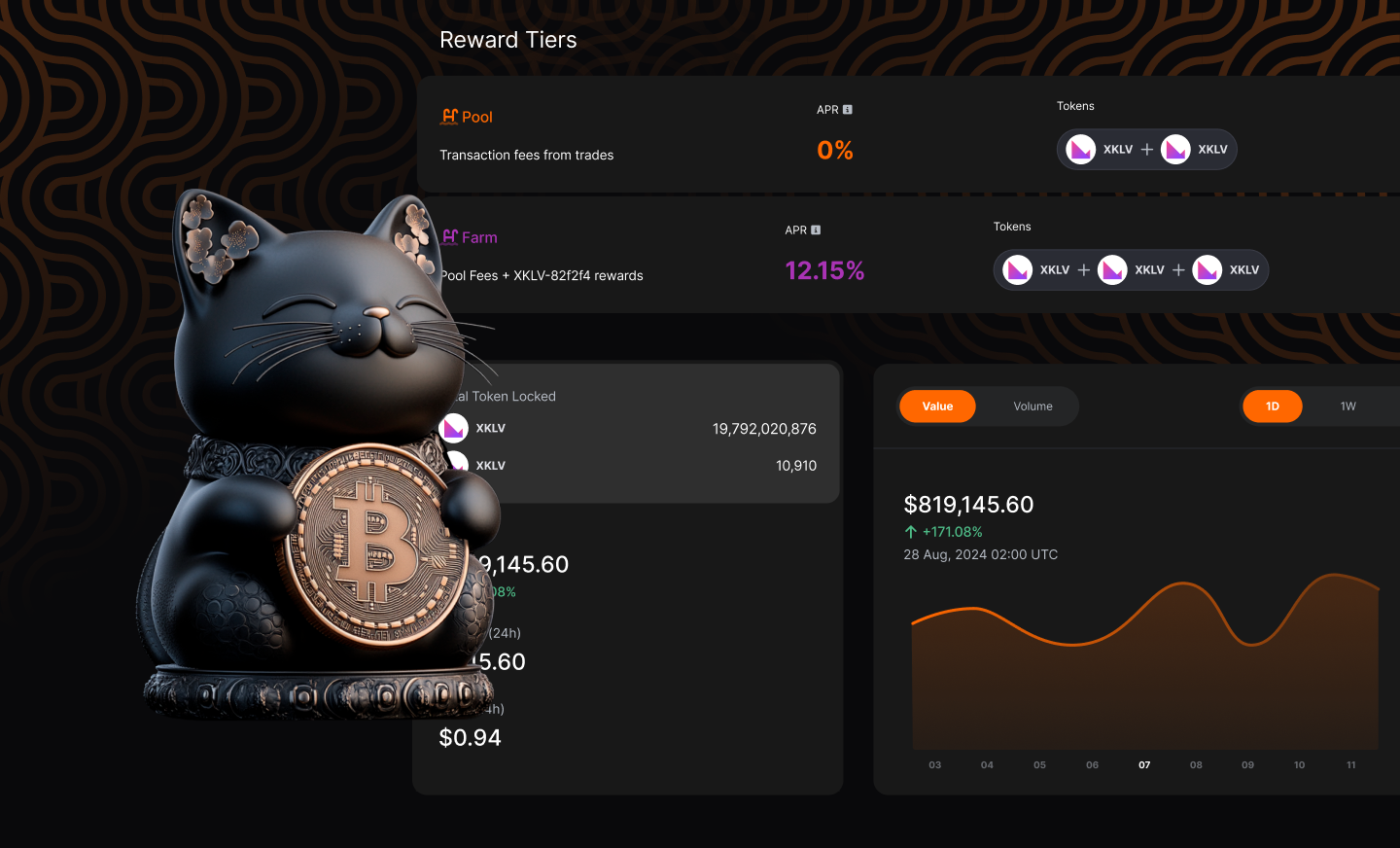
Web · DeFi · Product Exploration
Exploring a broader DeFi product direction.
Jump to Bitcoin.me ↓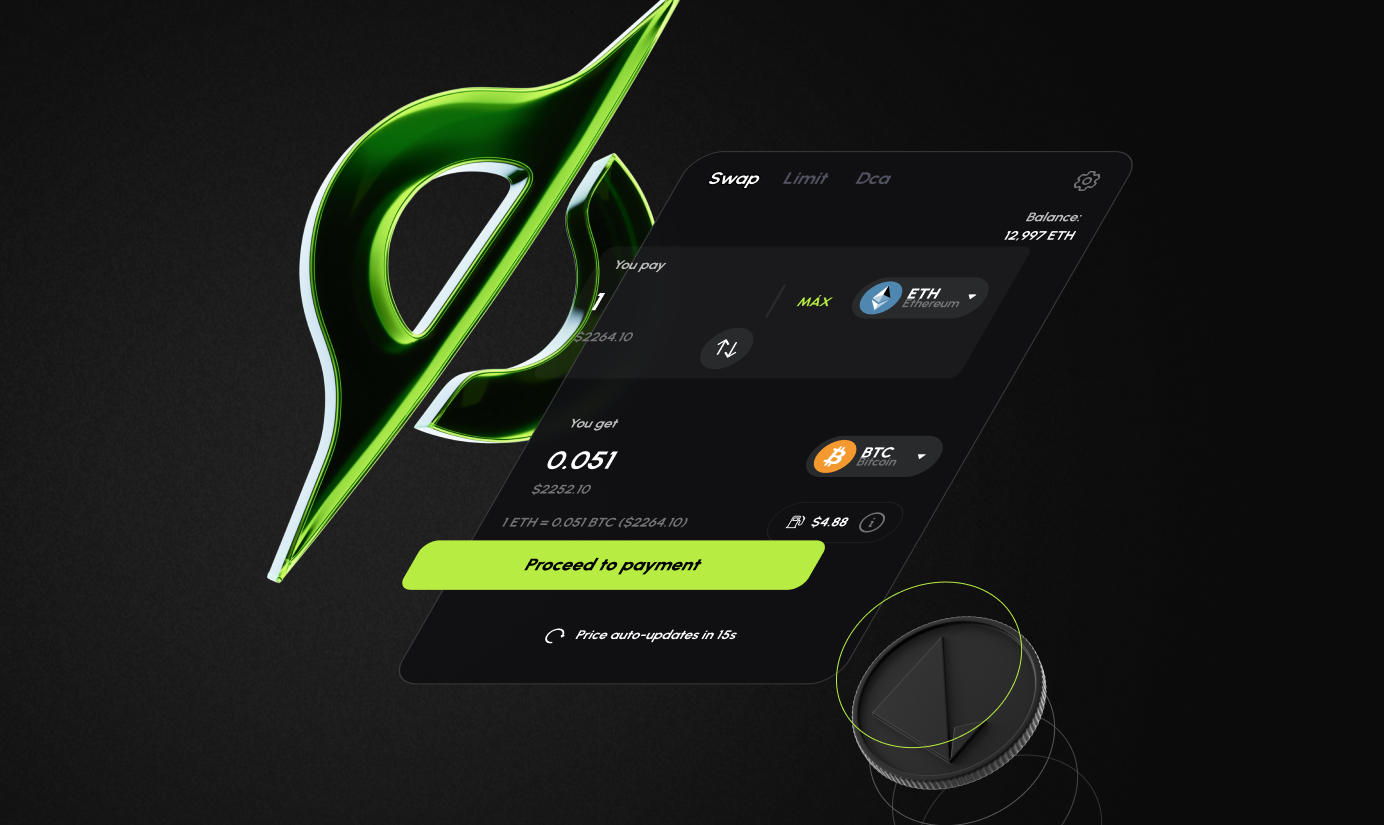
Web · Cross-chain · B2C / B2B
Cross-chain swaps and configurable infrastructure for partners.
Jump to VoxSwap ↓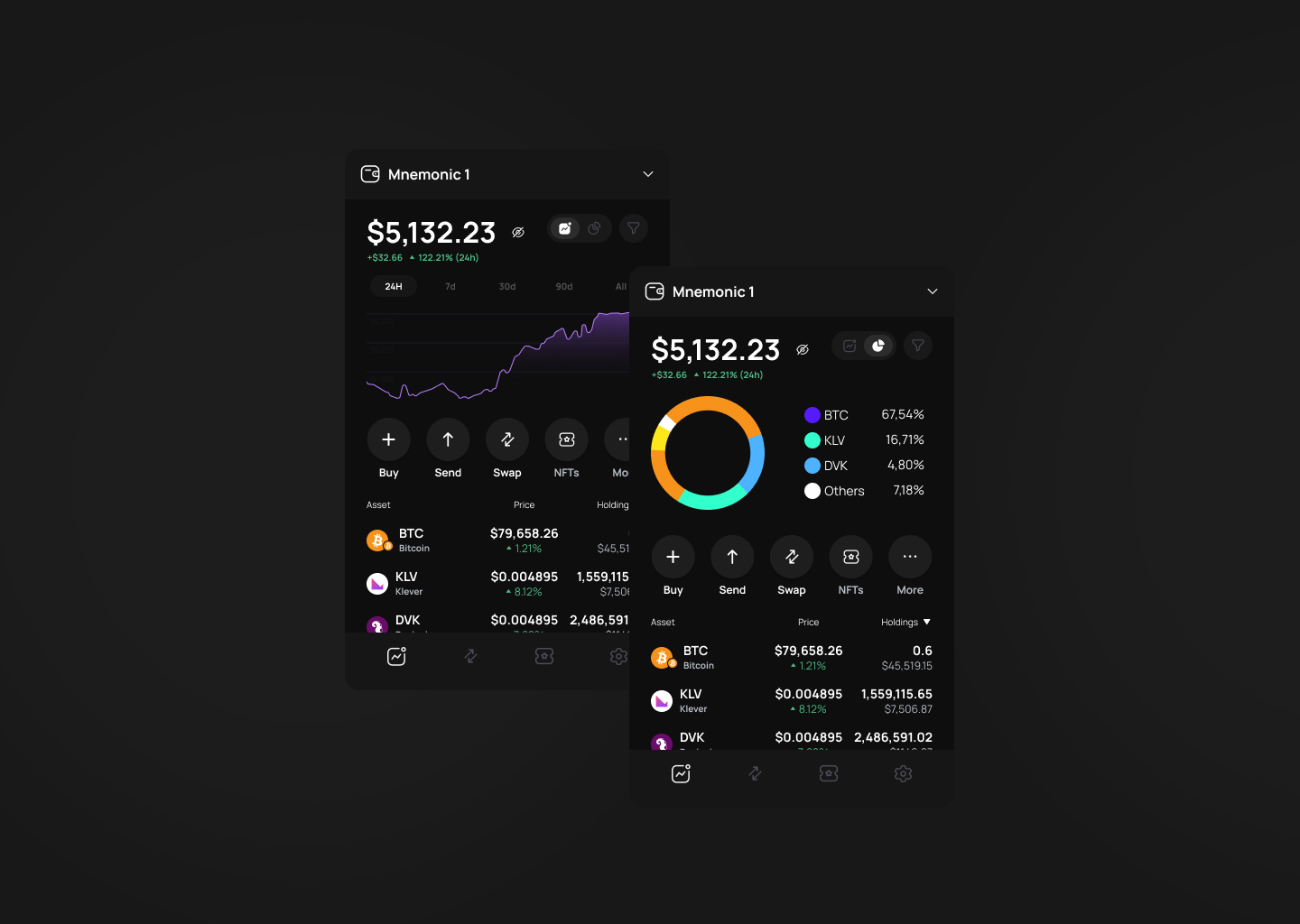
Browser Extension · Web3
Self-custody and Web3 interaction in the browser.
Jump to Klever Extension ↓Context
The Klever ecosystem had to support users across multiple assets, accounts, blockchain networks, transaction types and product surfaces while preserving clarity, security and control.
My role
I worked as part of a three-person Product Design team responsible for supporting and evolving the Klever ecosystem.
Flows, interaction models, interface design and product evolution.
Reusable patterns, components and consistency across increasingly complex experiences.
Close collaboration from product definition through implementation and design QA.
01 · Klever Ecosystem
A mobile self-custody product for managing assets, accounts, networks and financial transactions.
01.1 · Self-custody
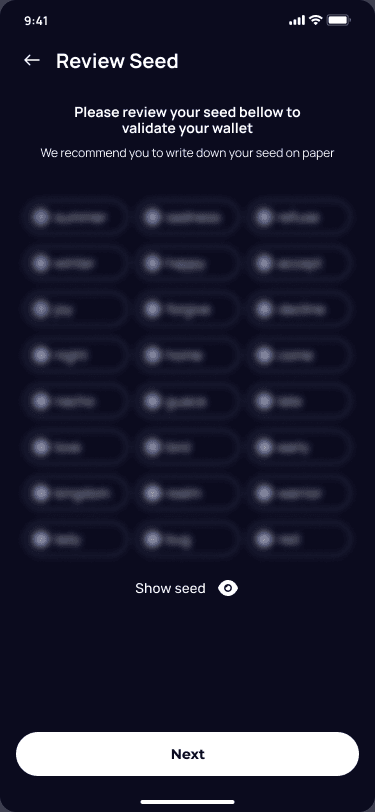
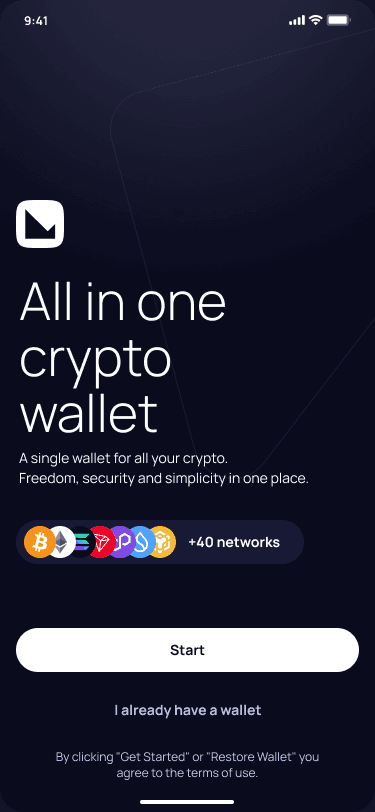
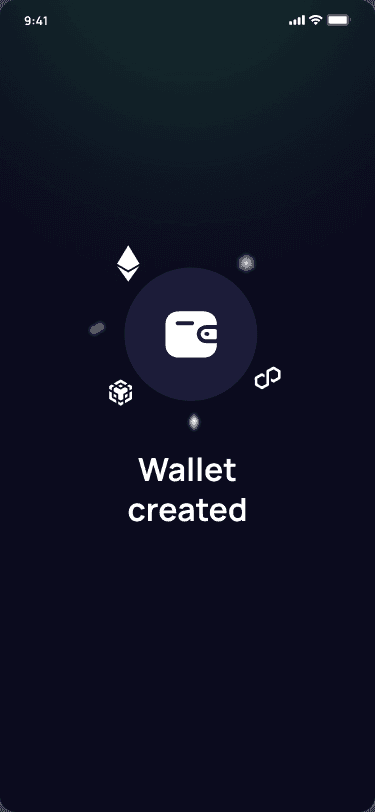
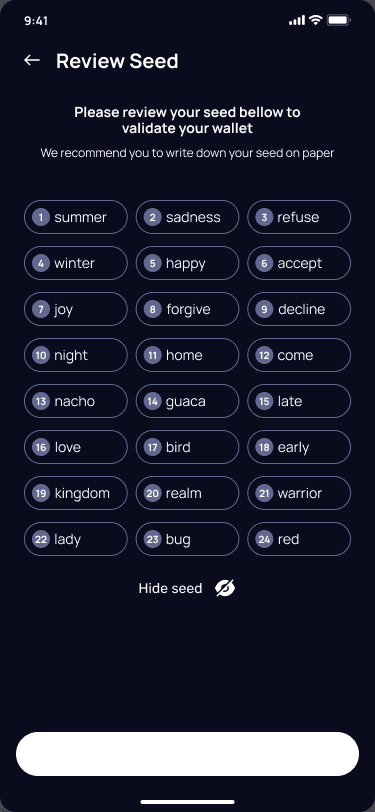
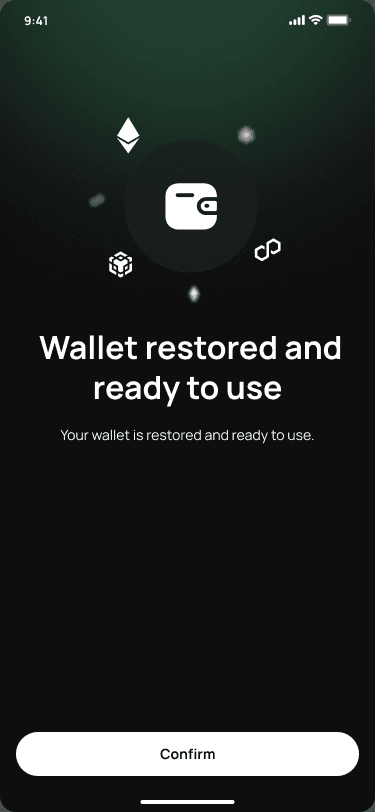
Creating, backing up and restoring a wallet had to make ownership understandable without suggesting that recovery worked like a conventional password reset.
01.2 · Portfolio
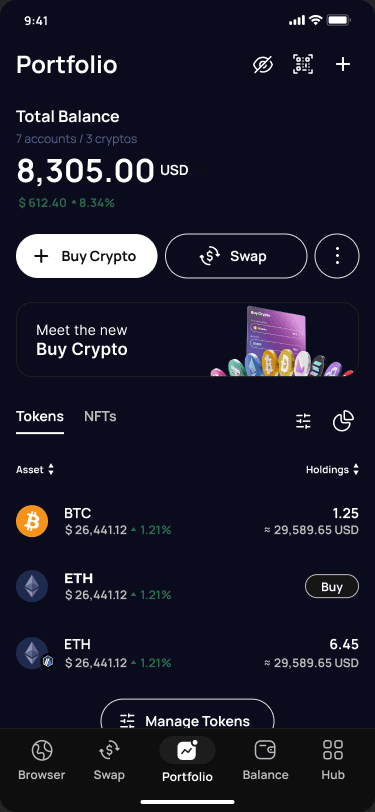
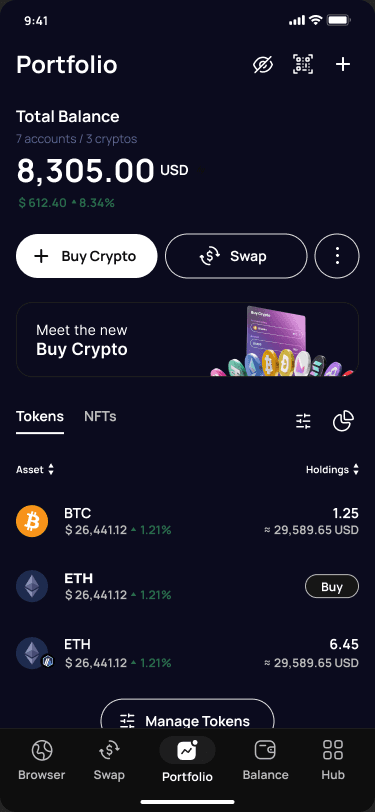
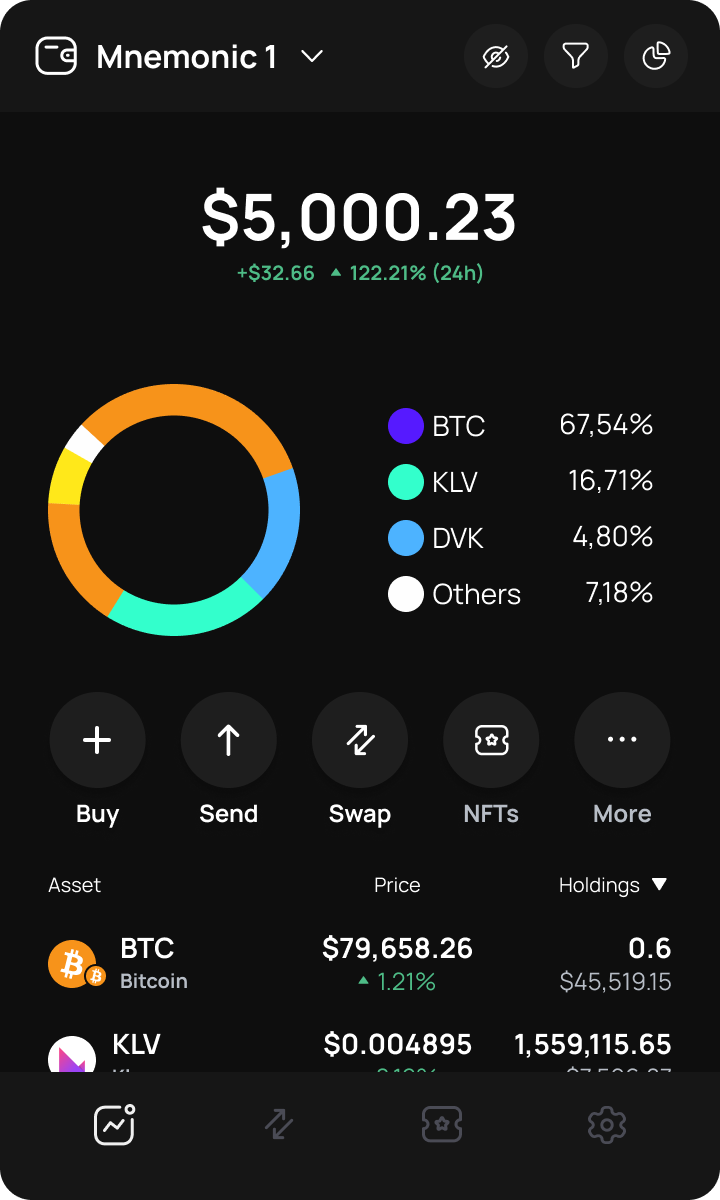
The portfolio experience needed to consolidate accounts, assets and financial value while preserving blockchain and network context whenever it became relevant.
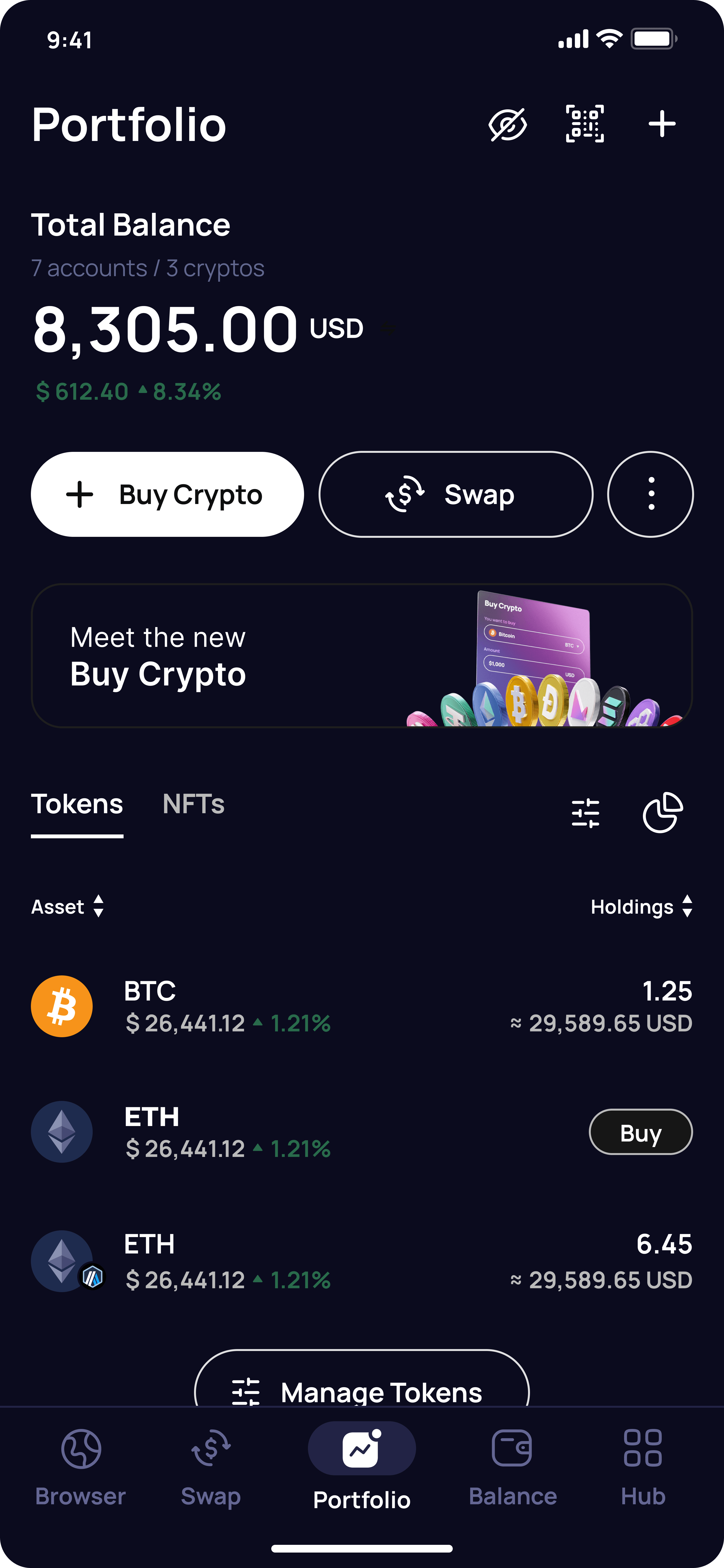
Information model
Making multi-chain complexity visible only when it matters.
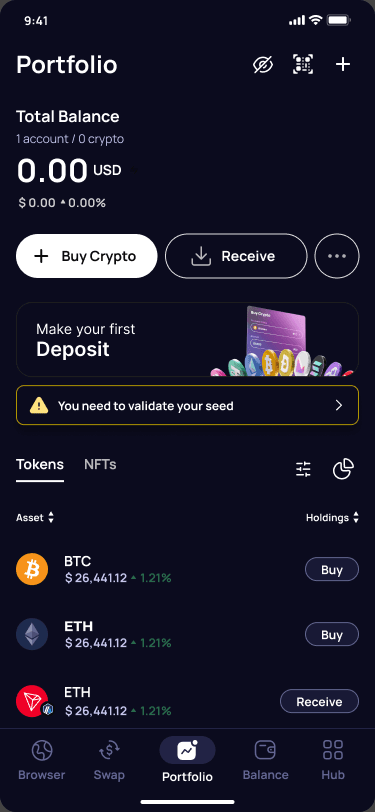
Empty state · 1 account / 0 crypto
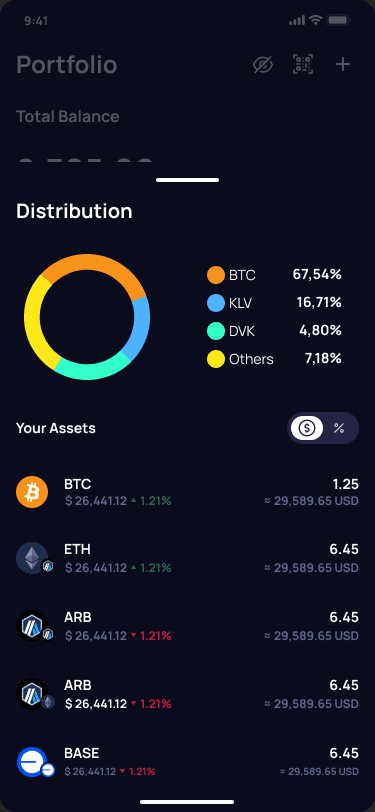
Portfolio distribution
01.3 · Moving value
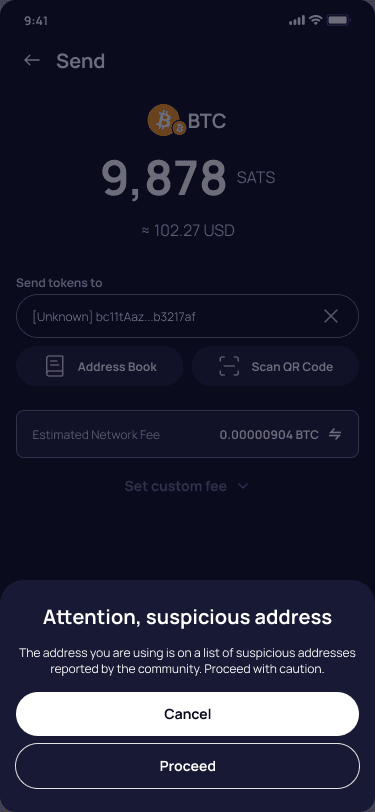
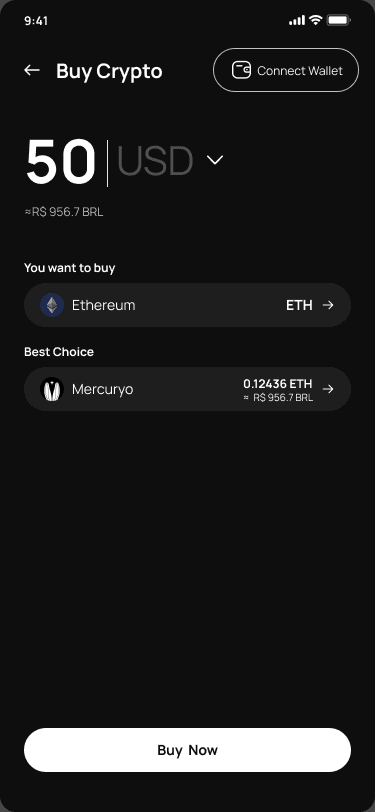
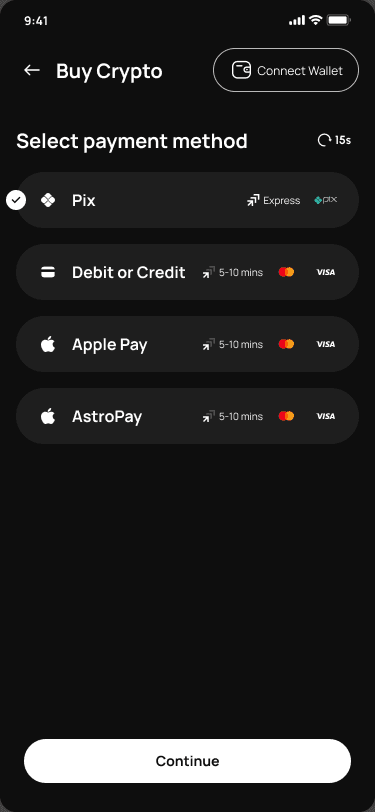
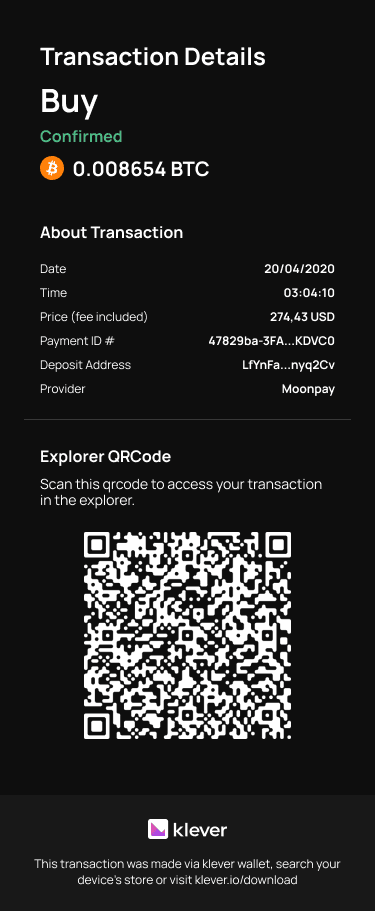
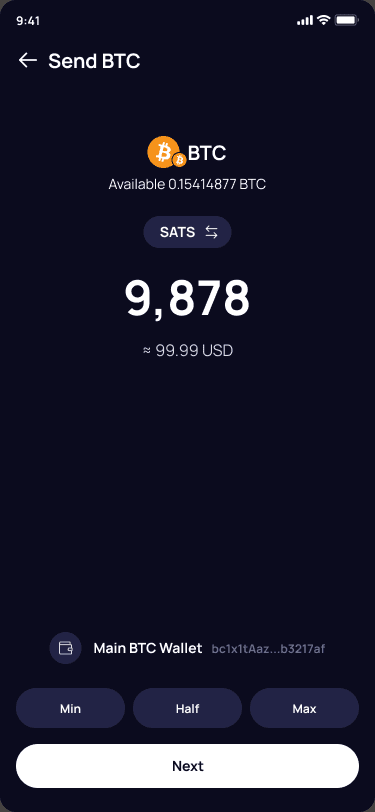
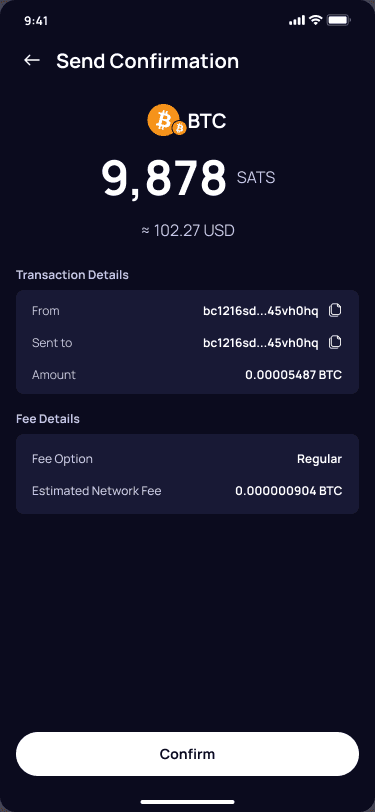
Financial actions needed to remain predictable across acquisition, recipient selection, validation, confirmation and transaction feedback.
04A · Buy Crypto
04B · Send
01.4 · Security & edge cases
Privacy, account states, network configuration and hardware security were part of the experience rather than exceptions added after the main flows.
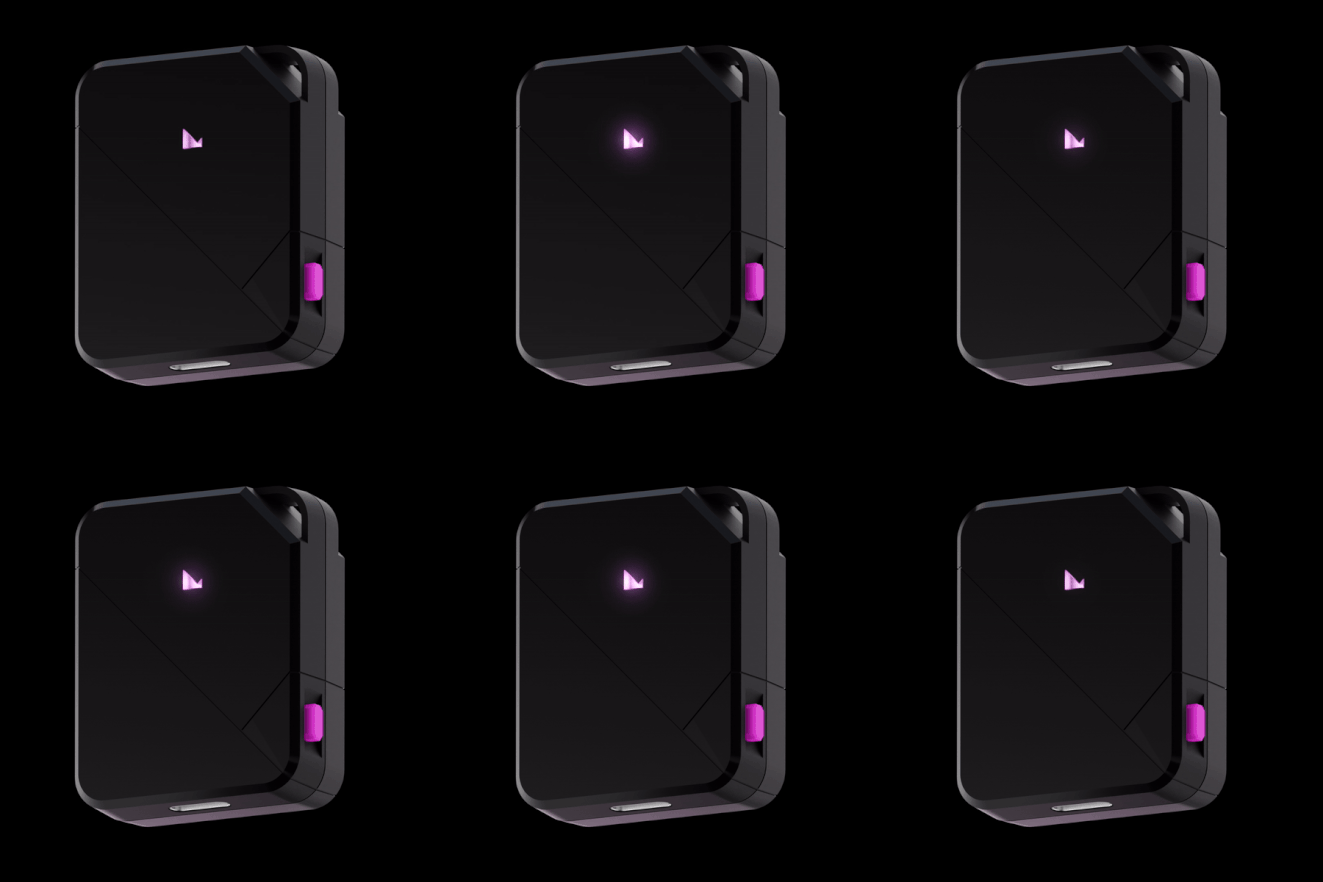
01.5 · KleverSafe
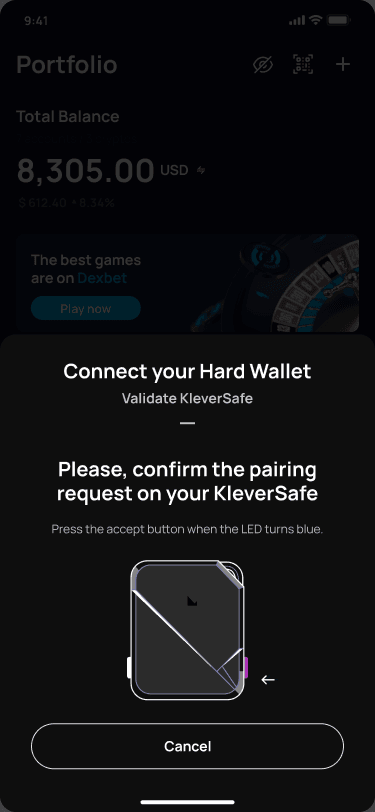
Extending the Wallet experience to hardware meant designing interactions that crossed the boundary between software and a physical security device.
I contributed to the software experience connecting Klever Wallet and KleverSafe, helping users understand where an action was happening and when they needed to interact with the physical device.
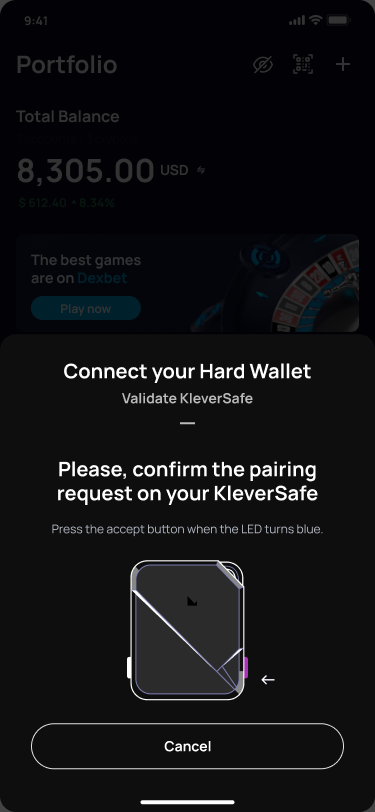
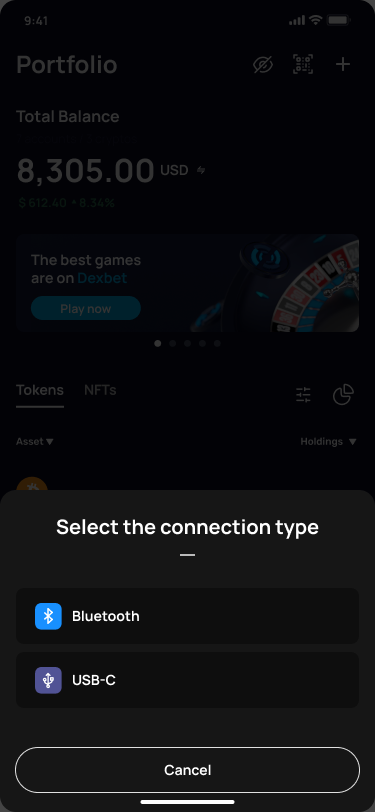
01 · Connect
Choose how the Wallet connects to KleverSafe.
02 · Verify
The interface shifts the user's attention from the phone to the physical device when hardware confirmation is required.
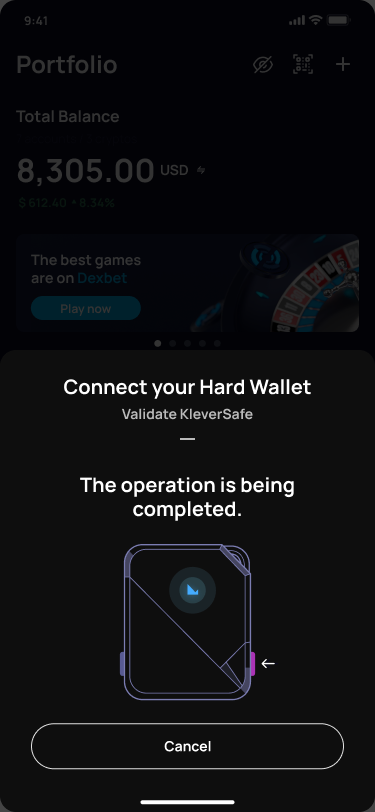
03 · Authorize
The Wallet communicates the operation state while authorization continues through the connected hardware experience.
Interaction design
Hardware security introduces an interaction problem that does not exist in a purely software wallet: the user's attention needs to move between the phone and a physical device without losing context.
The mobile experience therefore needed to communicate not only what was happening, but also where the next action should happen.
Offline private keys
Private keys remain offline on the hardware device.
Bluetooth + USB-C
KleverSafe can connect with the Wallet through Bluetooth or USB-C.
Multi-chain
The device is designed to secure crypto assets across multiple supported blockchain networks.
02 · Klever Ecosystem
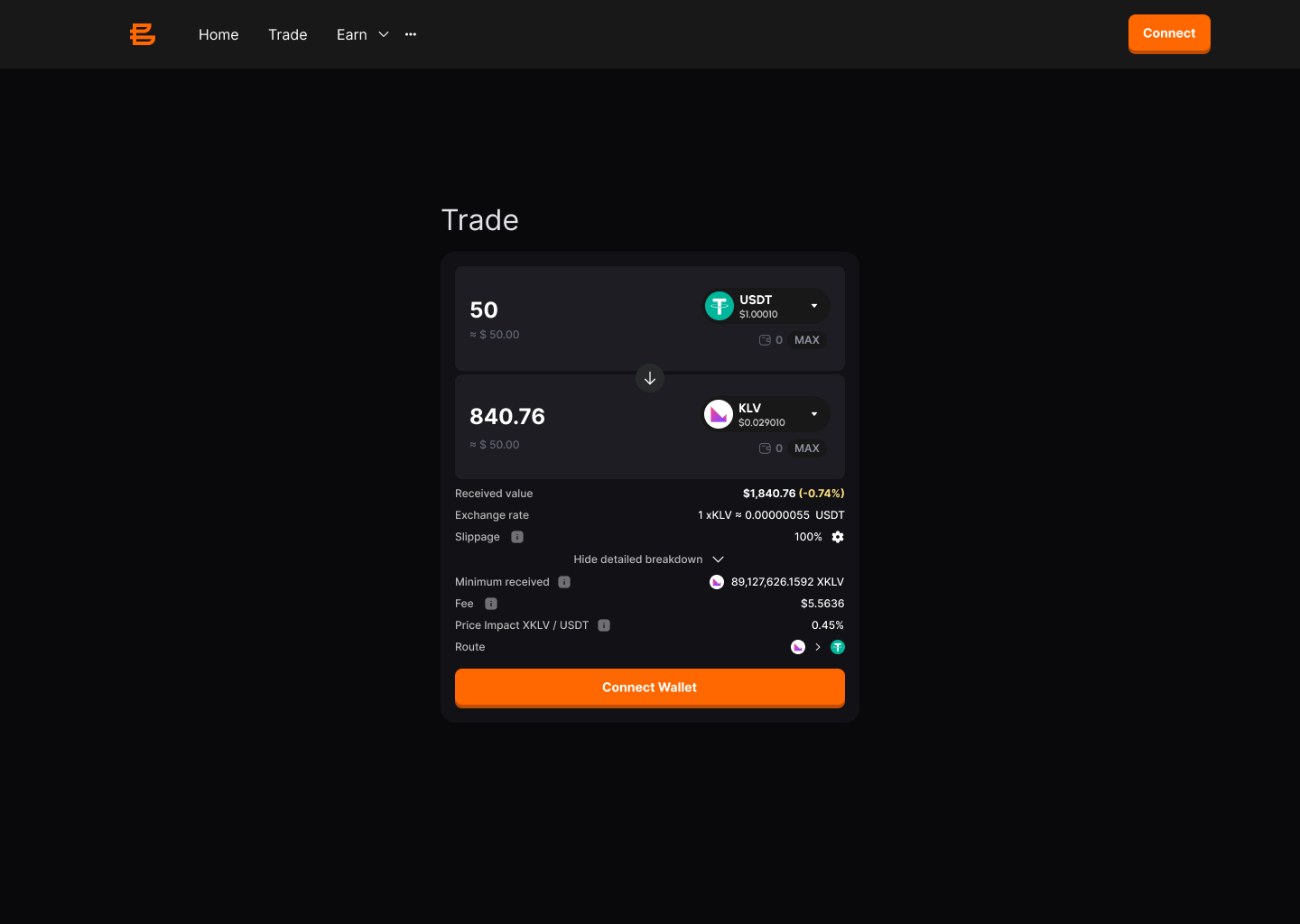
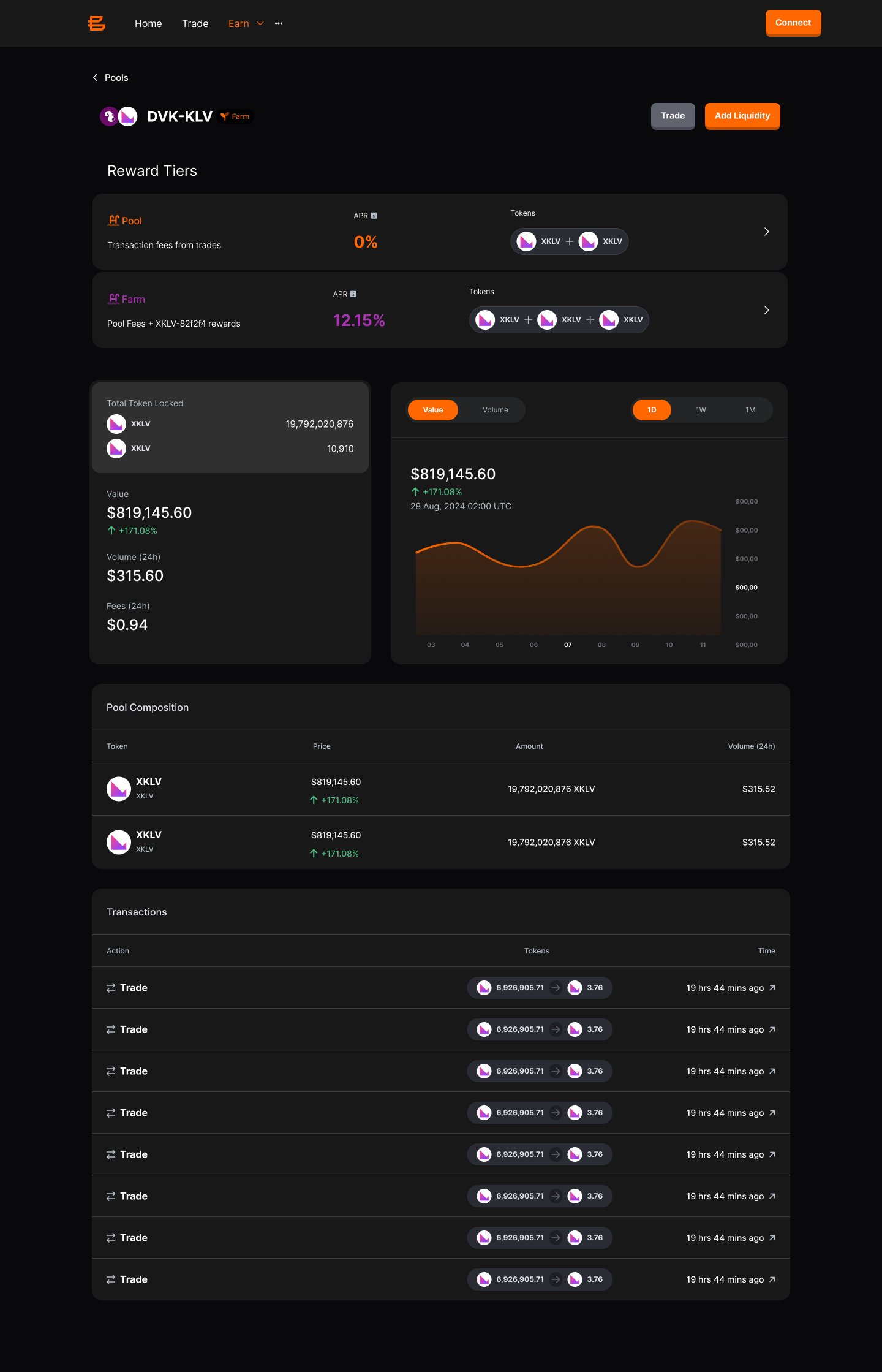
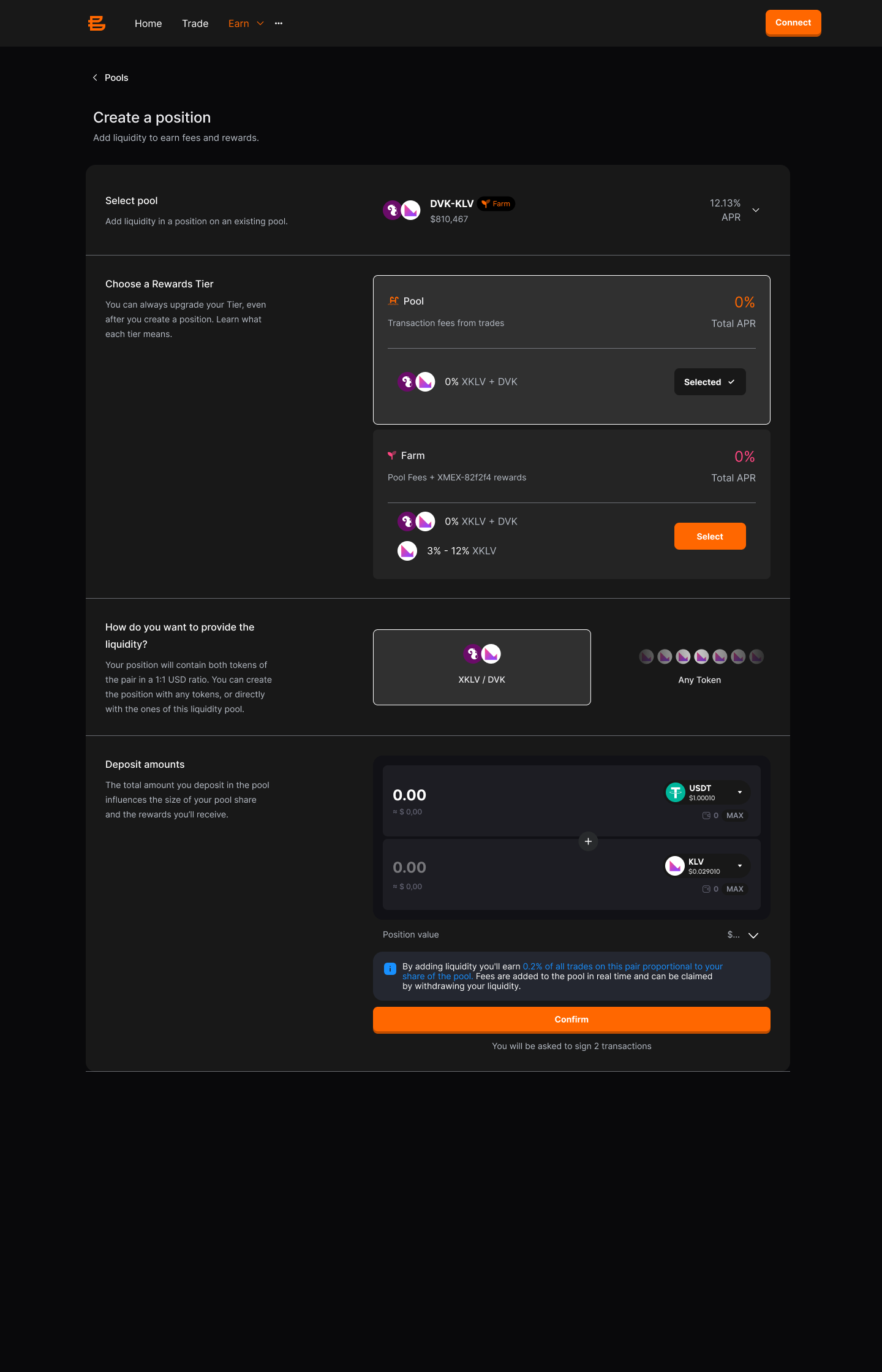
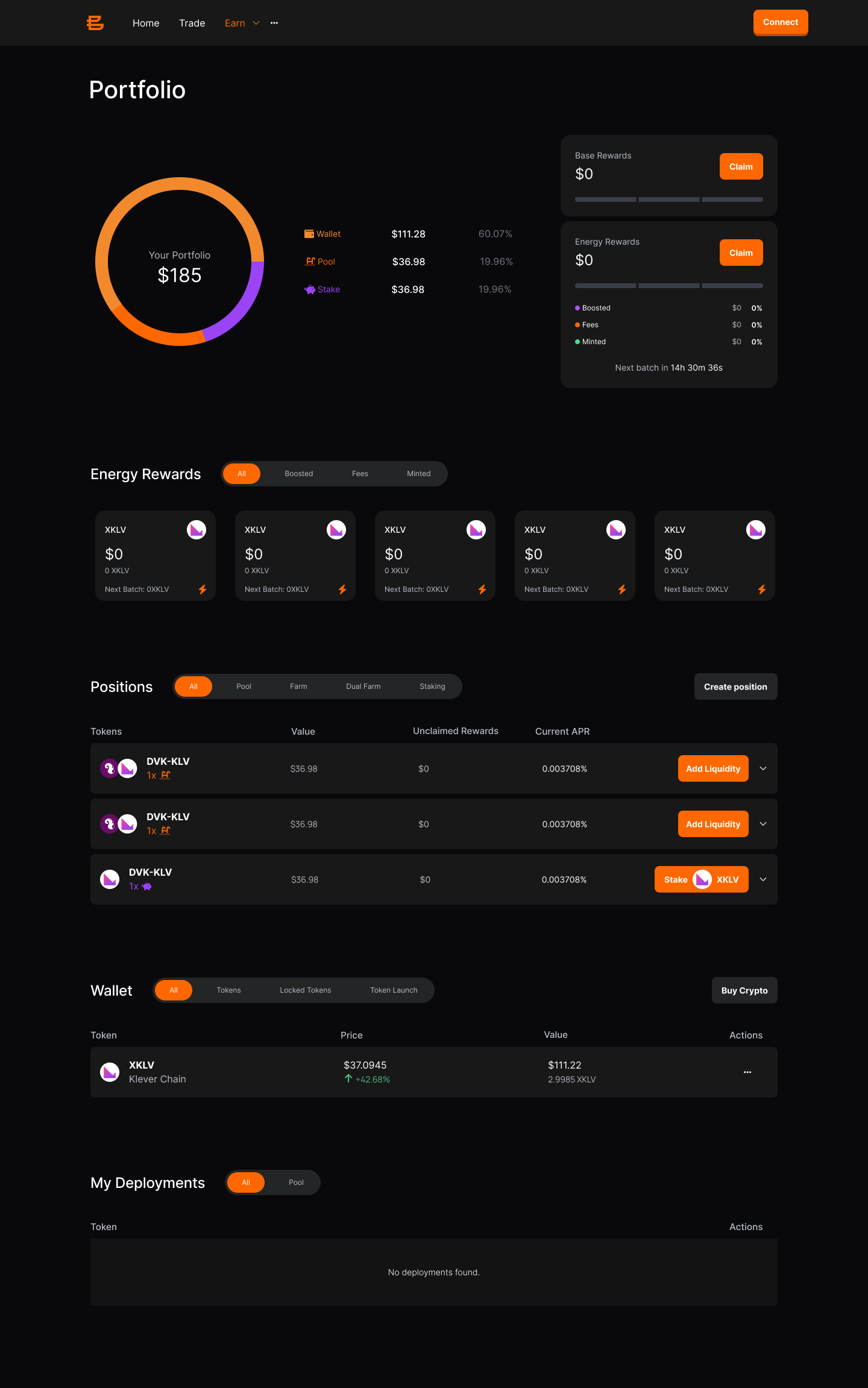
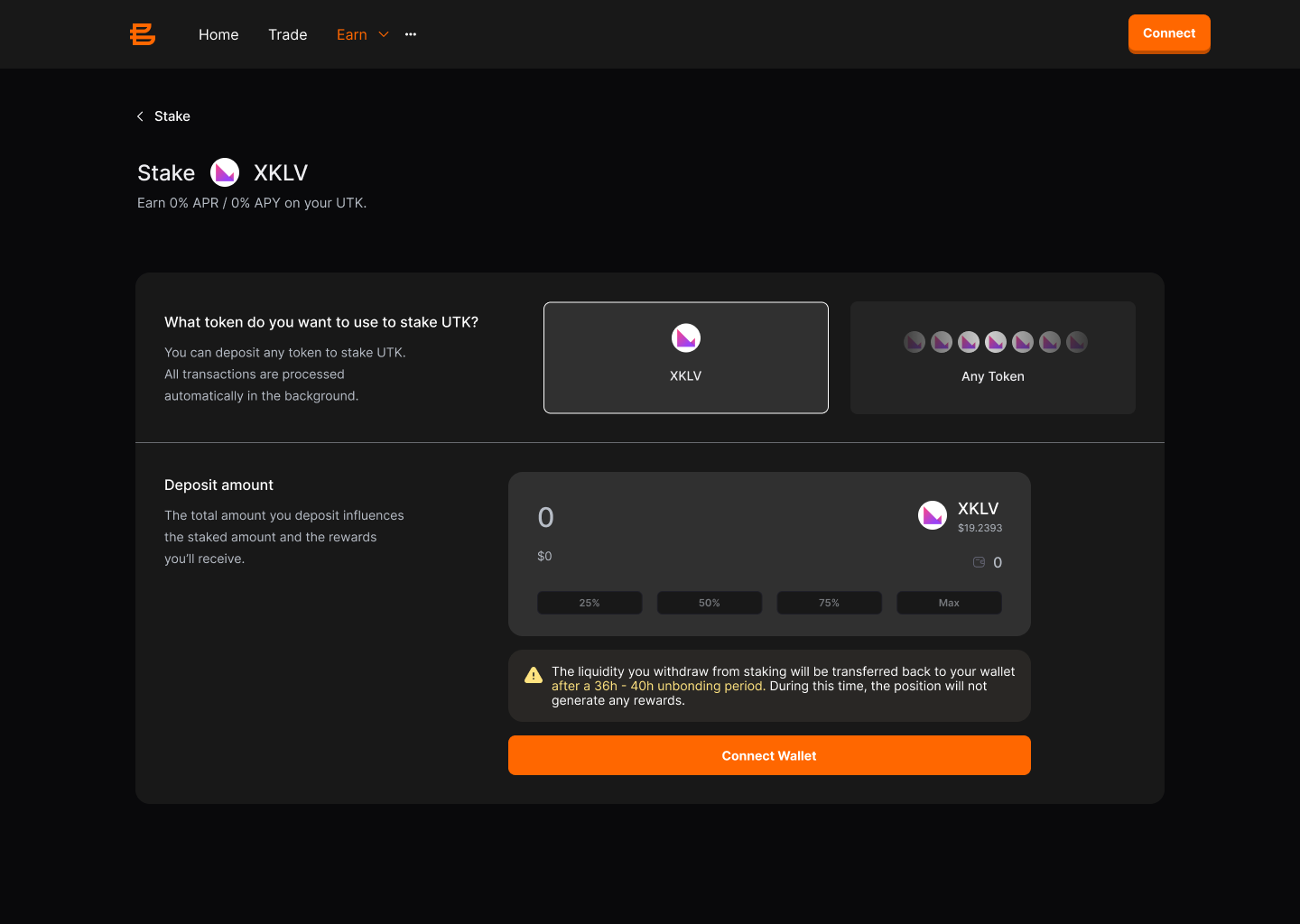
Exploring how crypto trading could evolve into a broader experience combining swaps, liquidity, staking, positions, rewards and portfolio management.
Concept direction · Not shipped
Product direction
The product went through multiple product and interface iterations before the team changed direction and migrated to a different ecosystem. The work shown here represents one of the product directions explored before that transition.
03 · Klever Ecosystem
A cross-chain swap product that expanded from an end-user experience into configurable infrastructure for partners.
The experience combined wallet connectivity, asset discovery and transaction flows into a unified interface while preserving the information users needed to understand every operation.
The interaction begins by establishing trust and context before asking the user to exchange assets.
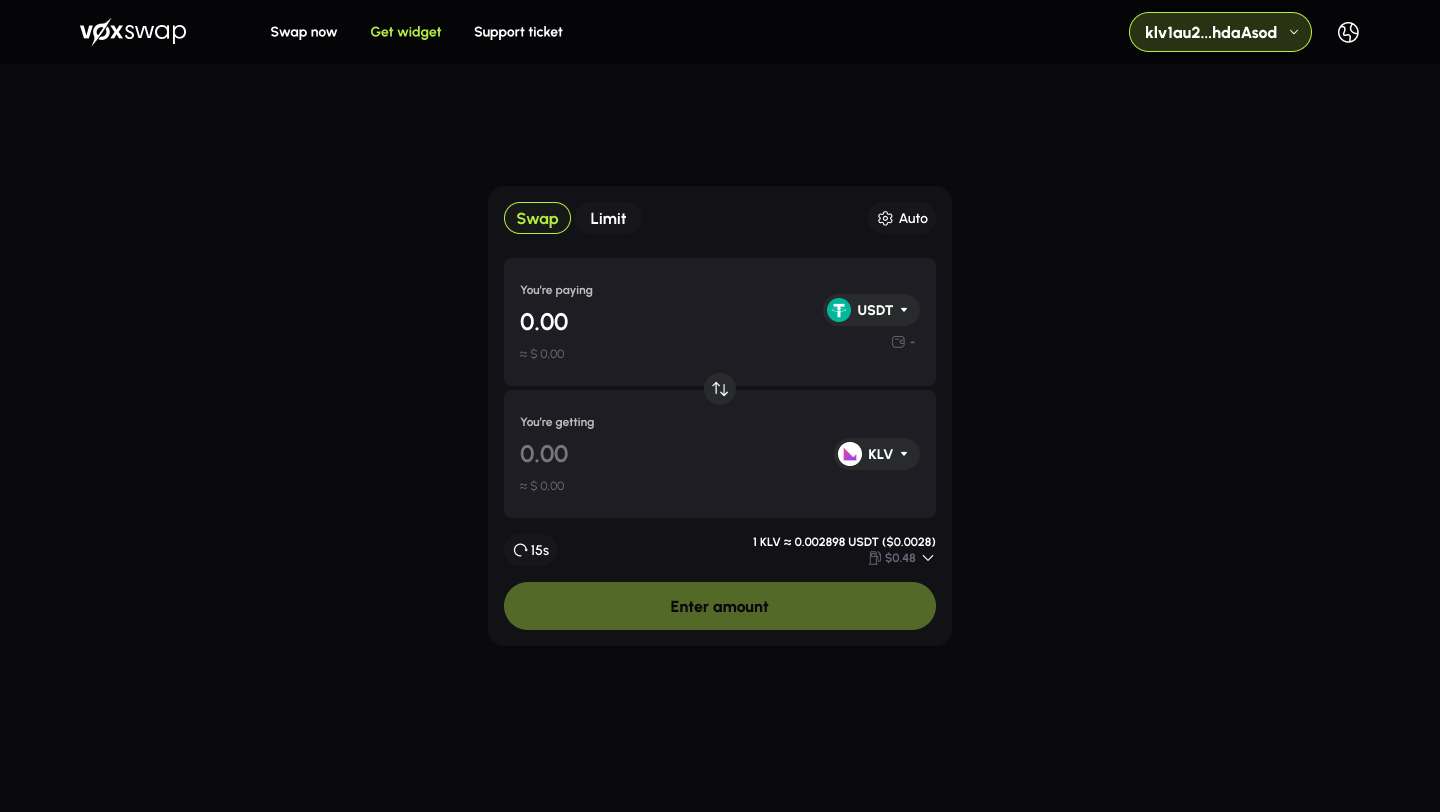
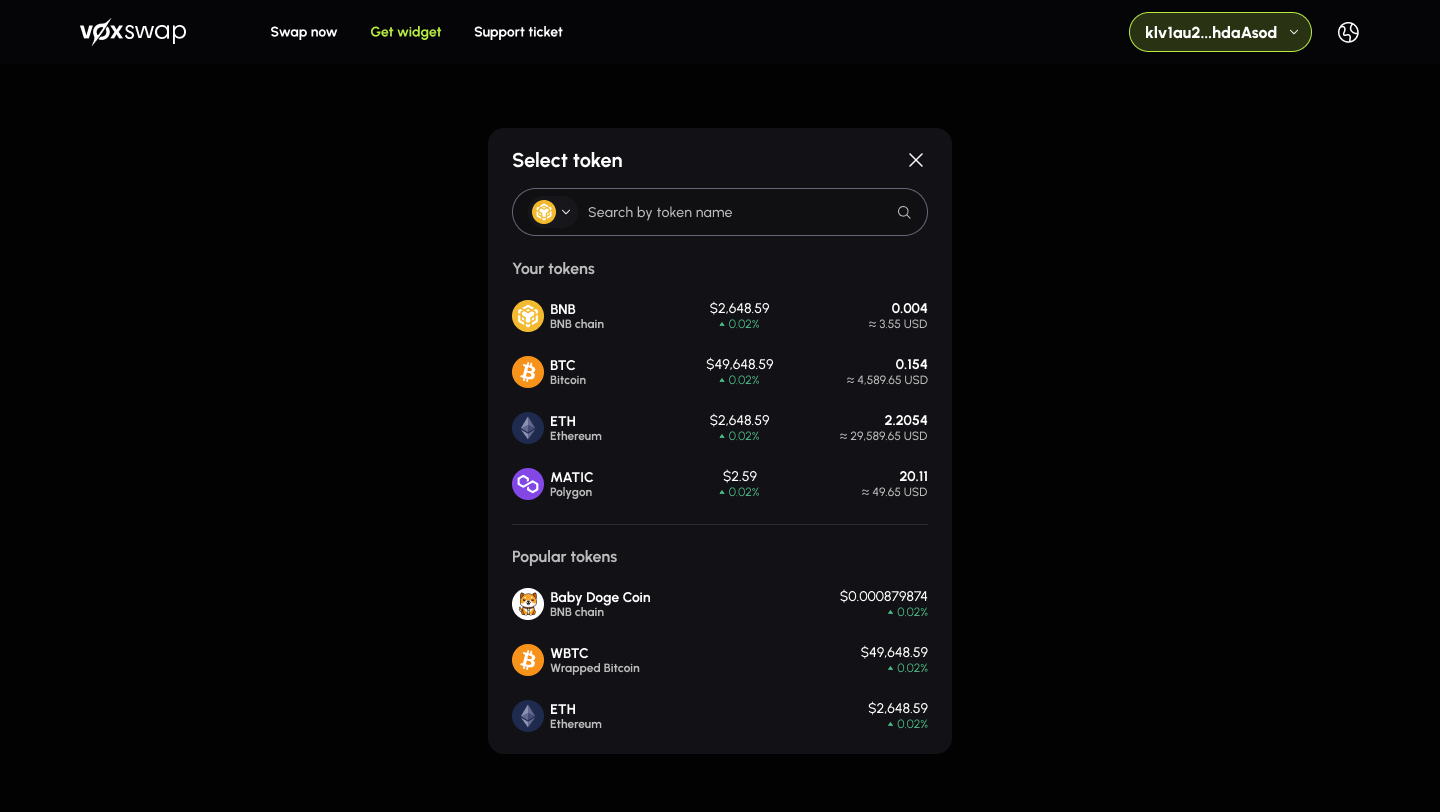
Instead of treating token selection as a secondary modal, the experience made searching, comparing and selecting assets feel like part of the main flow.
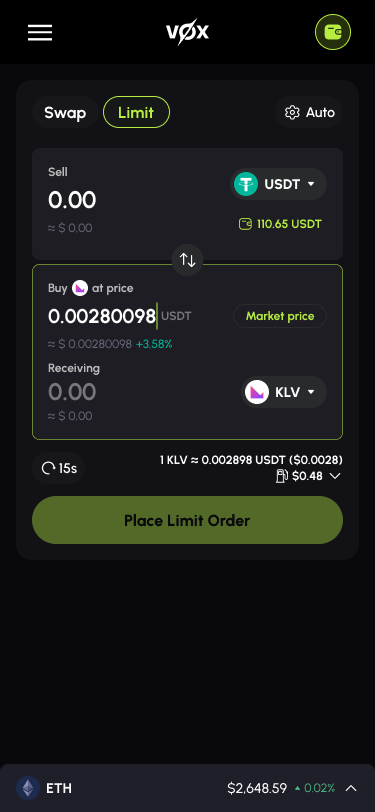
Limit orders expanded the experience beyond instant exchange while preserving the same interaction model used throughout the product.
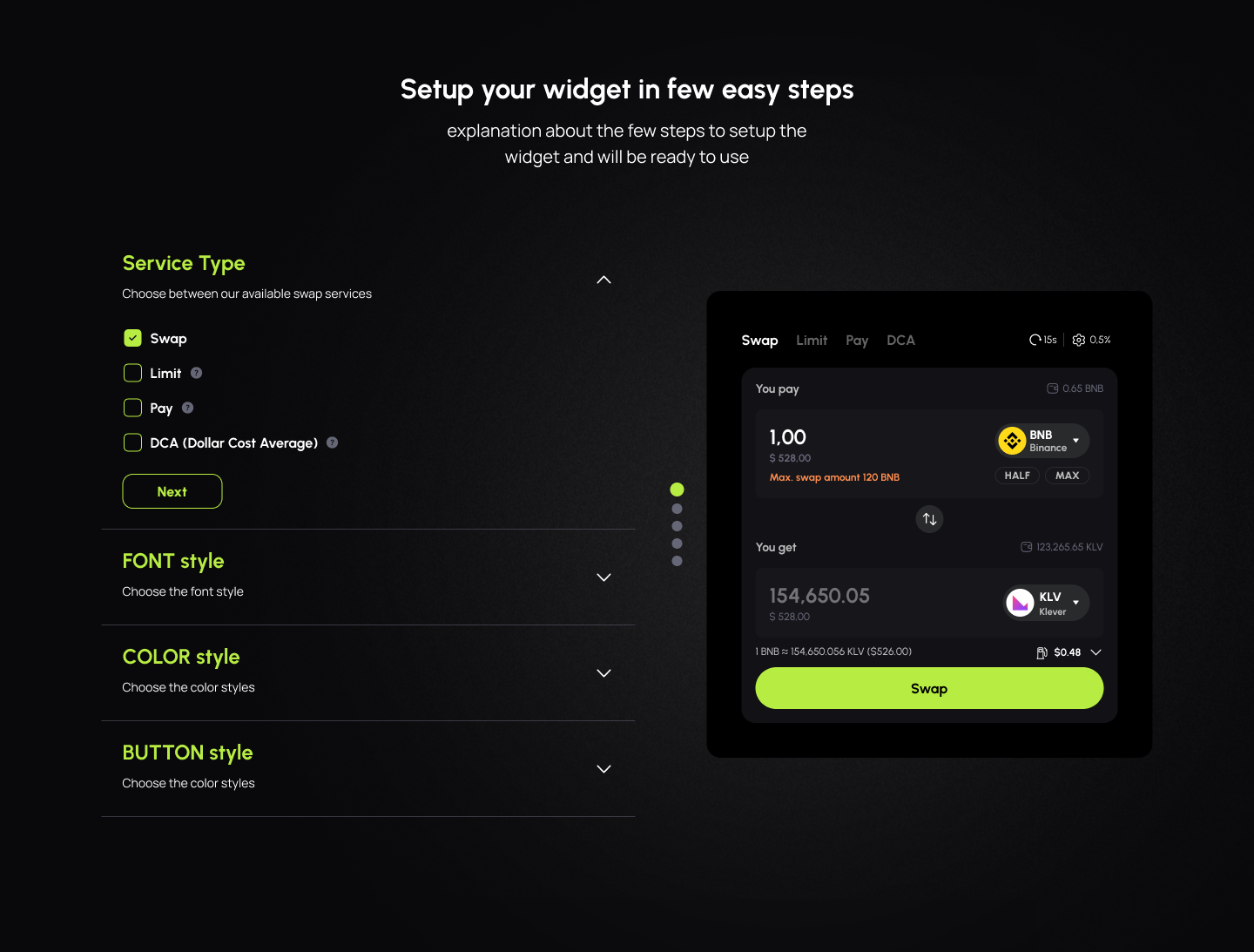
The project evolved beyond a consumer interface by introducing a configurable widget that partners could integrate into their own products without recreating the exchange experience.
04 · Klever Ecosystem
Self-custody, accounts and Web3 interactions in the browser.
Browser extension
Klever Extension brought accounts, assets and Web3 interactions into the browser, where users were already accessing decentralized applications.
The challenge was not simply reducing the Wallet interface to a smaller surface. The experience needed to preserve context across accounts, networks and transactions while helping users understand what external applications were asking them to approve.
This work was developed as part of a three-person Product Design team responsible for the Klever ecosystem.
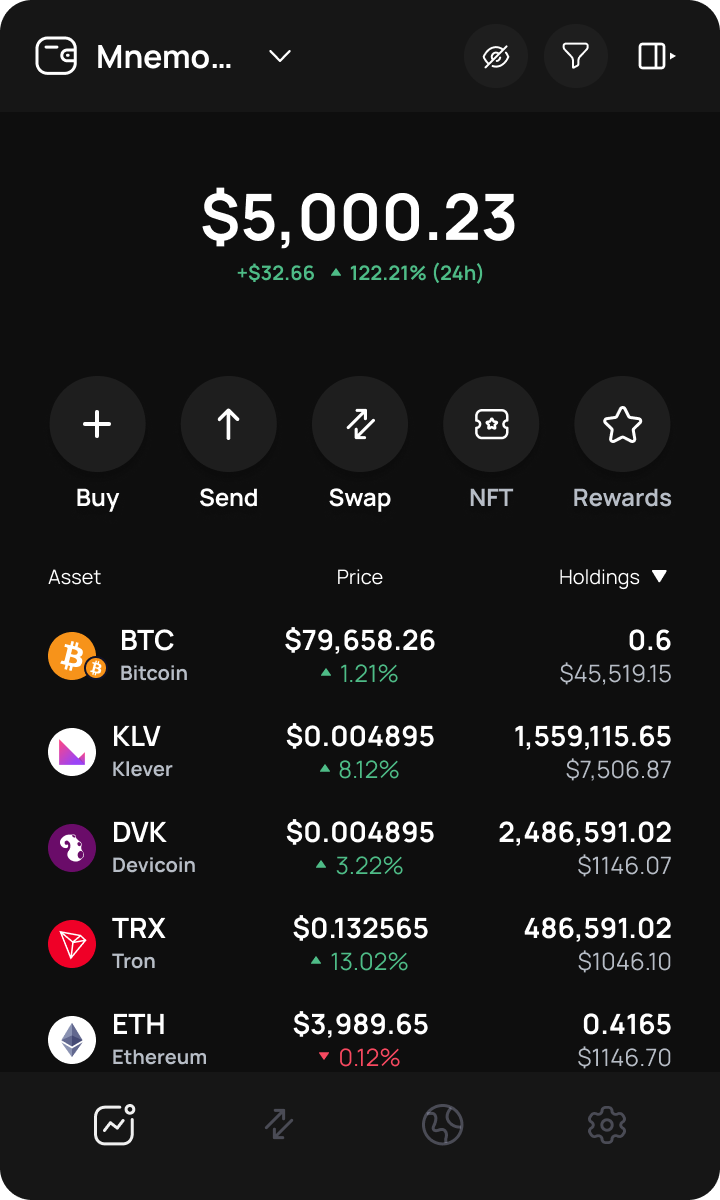
The browser extension had significantly less space than the mobile Wallet, but users still needed access to balances, assets, networks and essential financial actions.
The interface therefore prioritized information hierarchy and progressive disclosure instead of removing the context required for safe decisions.
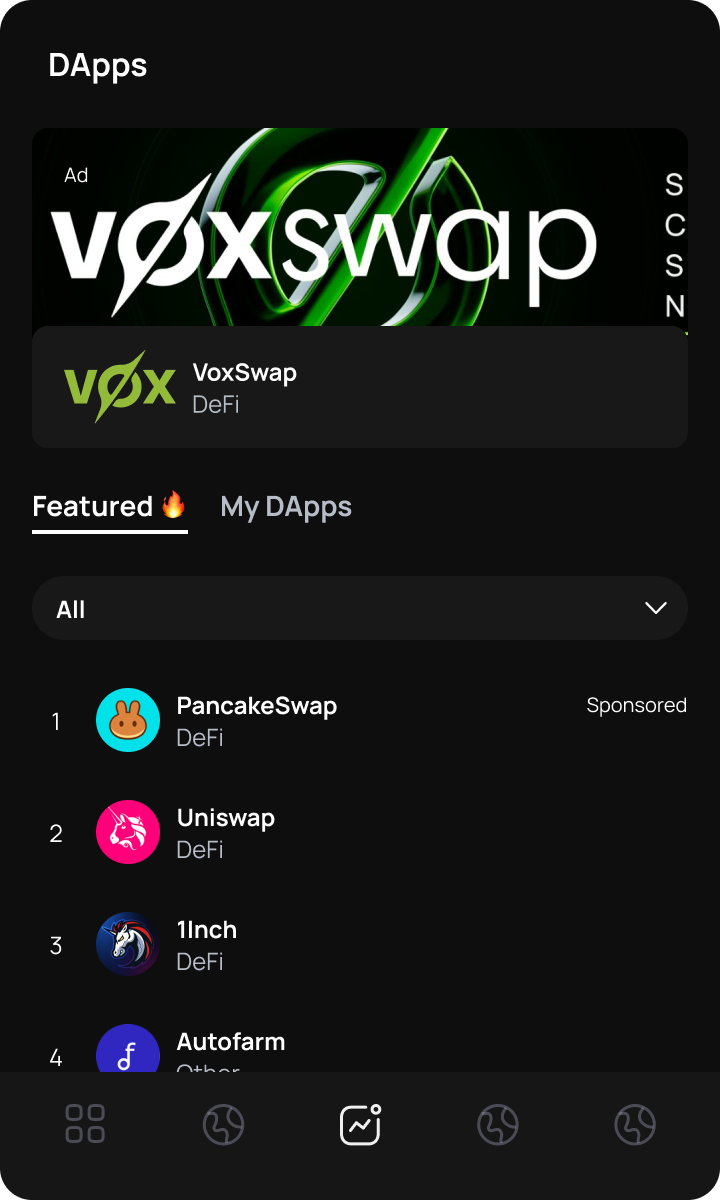
In the browser, the wallet becomes part of a broader interaction involving users, decentralized applications and blockchain networks.
The Extension needed to help users move between these contexts without losing track of the active account, network or application.
Transaction review
Requests coming from external applications can contain technical information that is difficult to evaluate. Before users authorized an action, the interface needed to identify the requesting application, the selected account and the relevant transaction details.
The goal was not to eliminate complexity, but to organize it so users could review what mattered before making an irreversible decision.
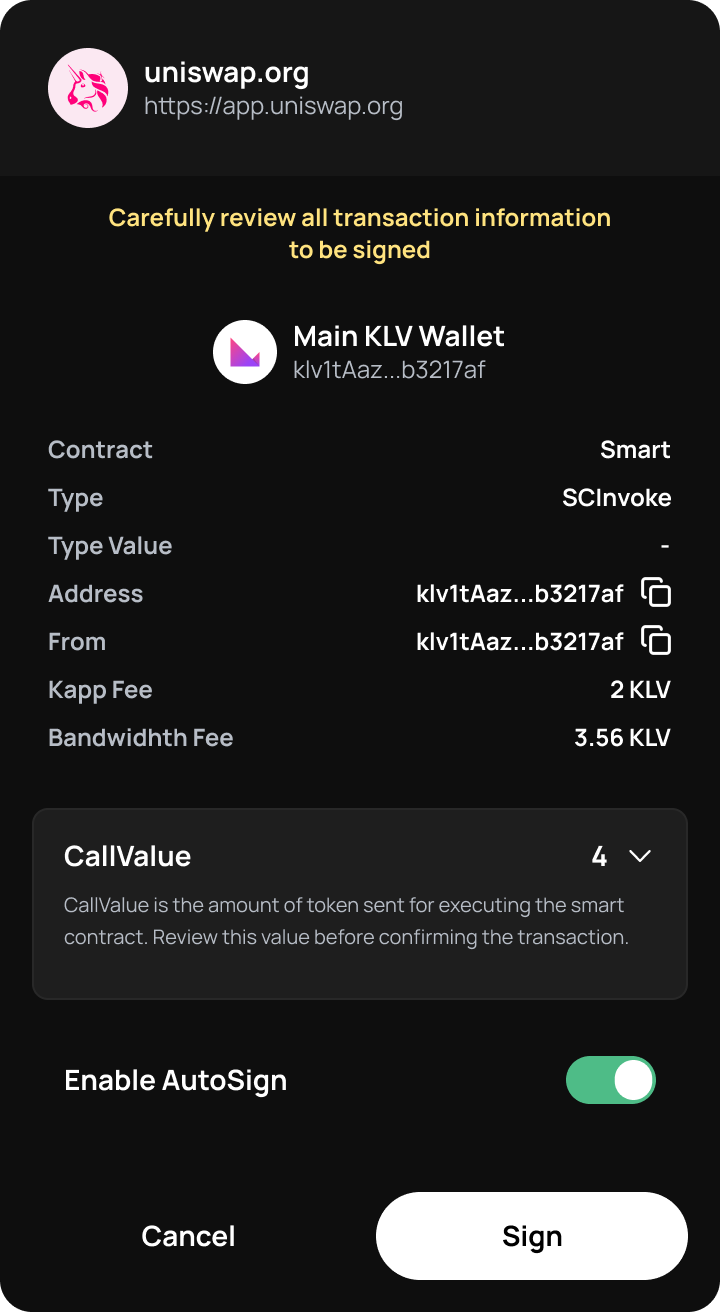
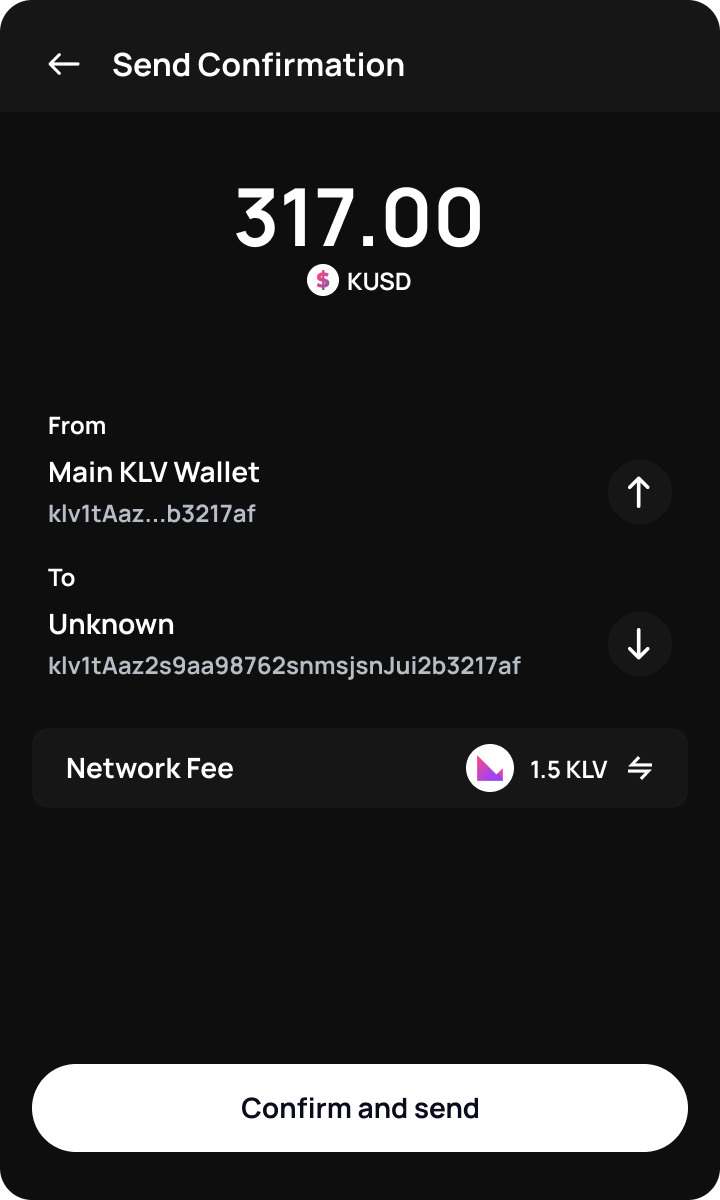
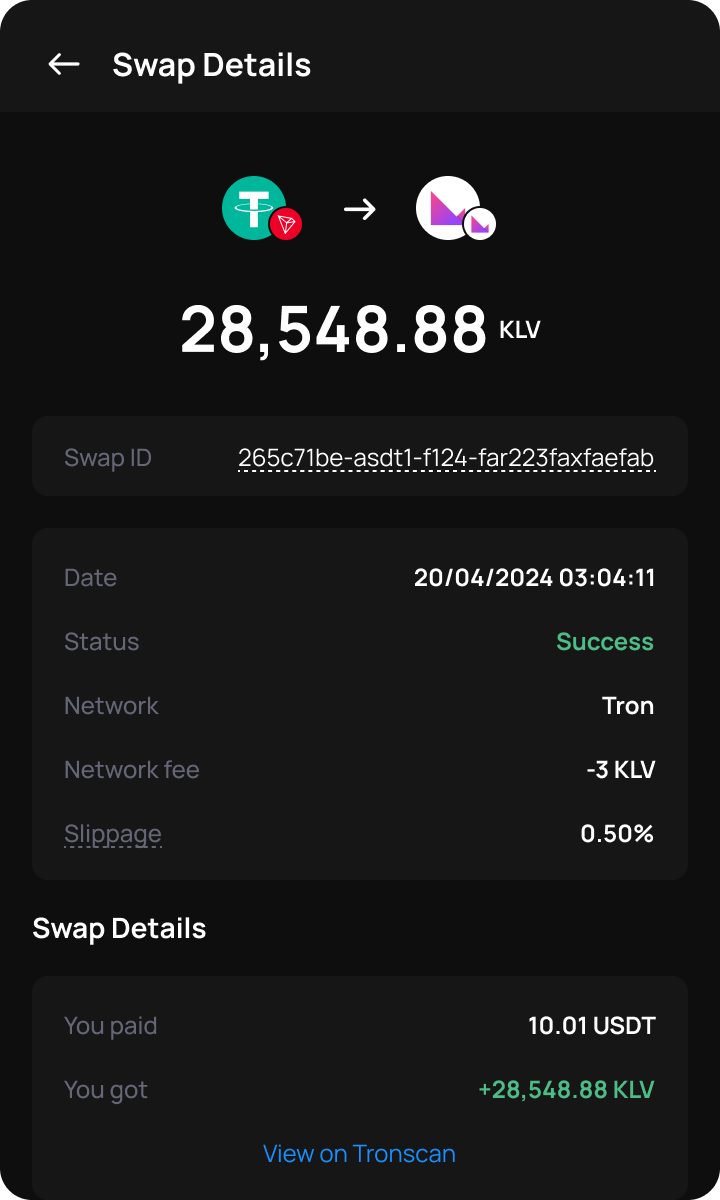
In self-custody products, confirmation cannot be treated as a generic final step. It is the moment when the interface must explain who is requesting an action, what will happen and which account will authorize it.
Reflection
Adapting the Wallet to the browser required more than responsive layout. It required reconsidering hierarchy, context and risk for an environment where financial actions often begin outside the product itself.
Reflection
Simplifying an experience doesn't always mean hiding complexity. In financial products, some information is essential for users to make safe decisions. The designer's job is to understand when complexity should disappear and when it needs to become visible.